transcriptionaudioproductivityguidetips
Transcribe Audio To Text: Master Professional Techniques
Master how to transcribe audio to text with proven professional strategies. Discover tools, techniques & insider tips that deliver accurate results.
Heynds··10 min
Transcribing audio into written text may seem like a straightforward process, but there's a lot more happening behind the scenes than you might think. This transformation involves sophisticated technology and, depending on the chosen method, different levels of human involvement. Let's explore the key elements that make audio transcription possible.
Decoding the Process: Manual vs. Automated vs. Hybrid
There are three primary methods of audio transcription: manual, automated, and hybrid. Manual transcription relies on a human listener who meticulously types out every word they hear. While this offers the highest level of accuracy, it's also the most time-consuming and expensive option. Automated transcription, conversely, leverages speech recognition software, often powered by artificial intelligence (AI) and machine learning. This offers a faster and more cost-effective solution, but the accuracy can fluctuate based on the audio's quality and complexity. Finally, the hybrid approach merges the strengths of both methods. AI handles the initial transcription, which is then reviewed and refined by human transcribers to correct any errors. This combines the speed of automated systems with the precision of human oversight.
Factors Influencing Transcription Accuracy
Several factors play a vital role in the overall success of a transcription project. Speaker clarity is paramount. Mumbling, rapid speech, and strong accents can pose a challenge to both human transcribers and automated systems. Similarly, background noise has a substantial impact on accuracy. Furthermore, technical terminology and industry-specific jargon can add another layer of complexity. Specialized vocabulary, especially in fields like medicine or law, requires in-depth knowledge for accurate interpretation.
The Role of Technology and the Market's Growth
The driving force behind automated and hybrid transcription is speech recognition technology. This dynamic and ever-evolving field employs complex algorithms to interpret and translate spoken language into written text. The global speech recognition market is projected to reach USD 8.77 billion by 2025 with a significant Compound Annual Growth Rate (CAGR). For more detailed market insights, check out Statista.
The Importance of Precision Across Industries
The demand for accurate transcription spans a multitude of industries. In healthcare, precise patient records are essential for accurate diagnoses and treatment planning. Legal proceedings depend on meticulous documentation of testimonies and depositions. Media companies use transcription for subtitles and captions, while businesses rely on it for meeting minutes and internal communication.
Choosing Your Transcription Method Like A Pro
Transcribing audio into text can feel overwhelming, but choosing the right method simplifies the process. Whether you opt for manual, automated, or hybrid transcription, each approach has its own set of pros and cons affecting accuracy, cost, and turnaround time.
Manual Transcription: The Gold Standard for Accuracy
Manual transcription relies on human transcribers, offering the highest level of accuracy. These skilled professionals carefully listen to every word, capturing nuances, accents, and complex terminology. This makes manual transcription ideal for situations demanding precision, such as legal depositions, medical dictations, and academic research. However, the process can be time-consuming and more expensive than automated options.
Automated Transcription: Speed and Efficiency at Scale
Automated transcription utilizes AI-powered speech recognition software like Otter.ai to process large volumes of audio quickly and efficiently. This cost-effective method is well-suited for tasks like transcribing meeting minutes, lectures, or podcast episodes. While AI is constantly improving, automated transcription can struggle with audio containing multiple speakers, strong accents, or background noise.
Hybrid Transcription: Balancing Accuracy and Speed
The hybrid approach combines the strengths of both manual and automated transcription. AI generates an initial draft, and then human transcribers review and refine the output, correcting any errors and ensuring accuracy, especially in complex audio passages. This balanced approach works well for projects needing both efficiency and high accuracy.
Factors Influencing Your Choice
Several key factors should influence your choice of transcription method. Audio quality is paramount. Clear audio is suitable for automated transcription, while noisy audio benefits from a human ear. Speaker accents and dialects can also affect accuracy. For audio containing technical jargon or specialized vocabulary, manual or hybrid transcription often yields better results. Finally, data security requirements, particularly for sensitive information, may dictate your choice.
| Method | Accuracy Rate | Average Cost | Turnaround Time | Best Use Cases |
|---|---|---|---|---|
| Manual | 99%+ | $1.50-$3.00 per audio minute | 1-2 days per audio hour | Legal, medical, academic |
| Automated | 80-95% | $0.10-$0.25 per audio minute | Minutes per audio hour | Meeting minutes, lectures, podcasts |
| Hybrid | 95-99% | $0.50-$1.50 per audio minute | Hours per audio hour | Business meetings, interviews, conferences |
Making the Right Decision
Ultimately, the best transcription method depends on your specific needs. By considering the factors discussed and reviewing the table above, you can choose the approach that offers the best balance of accuracy, speed, and cost.
Building Your Professional Transcription Toolkit
The difference between struggling through audio transcription and efficiently completing it often comes down to the tools you use. Effective transcription relies on software and hardware that streamlines the process.
Essential Software Features
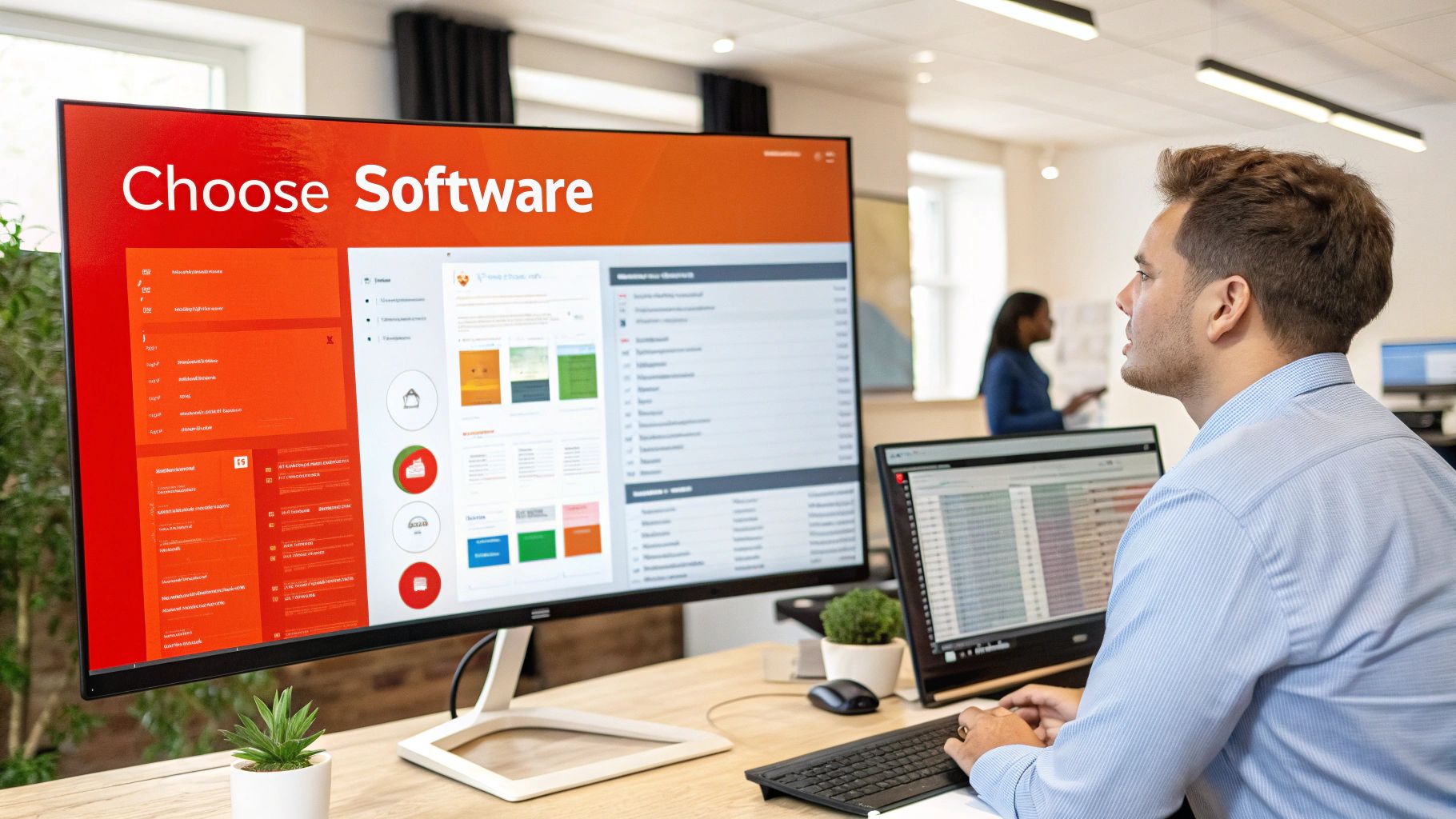
When choosing transcription software, certain features are crucial for efficient and accurate results. Variable playback speed control is essential for adjusting to different speaking paces and audio clarity. Foot pedal integration allows hands-free playback control. Automatic timestamps simplify marking specific points in the audio. Finally, speaker identification can automatically label different speakers.
Software Options: From Free to Professional
Many transcription software options cater to various needs and budgets. oTranscribe is a free, web-based tool with basic functionality, ideal for beginners or occasional transcribers. Express Scribe is a popular desktop application known for its foot pedal support and variable playback speed. For professional-grade transcription, Rev and Otter.ai offer robust features including AI-powered transcription and advanced editing tools.
Security and Workflow Considerations
For sensitive content, security is paramount. Consider whether cloud-based or desktop solutions better align with your security protocols. Cloud-based solutions offer accessibility and collaboration but may raise confidentiality concerns. Desktop software keeps your data local but may lack collaborative features.
The Growing Importance of Transcription Tools
The U.S. transcription market was valued at approximately USD 30.42 billion in 2024 and is projected to reach USD 41.93 billion by 2030, fueled by the healthcare industry's need for HIPAA-compliant records. Find more detailed statistics here.
Hardware Enhancements
While software is central to your transcription toolkit, hardware can significantly improve your workflow. A quality transcription headset with noise-canceling features helps you focus. An ergonomic keyboard reduces strain during long sessions. A foot pedal compatible with your software offers hands-free playback control.
Mastering Manual Transcription Techniques That Work
Professional transcriptionists are more than just fast typists. They utilize specific techniques to ensure both speed and accuracy. Whether you're a seasoned pro or just beginning, these honed strategies can drastically improve your transcription workflow.
Optimizing Your Playback Speed and Finger Positioning
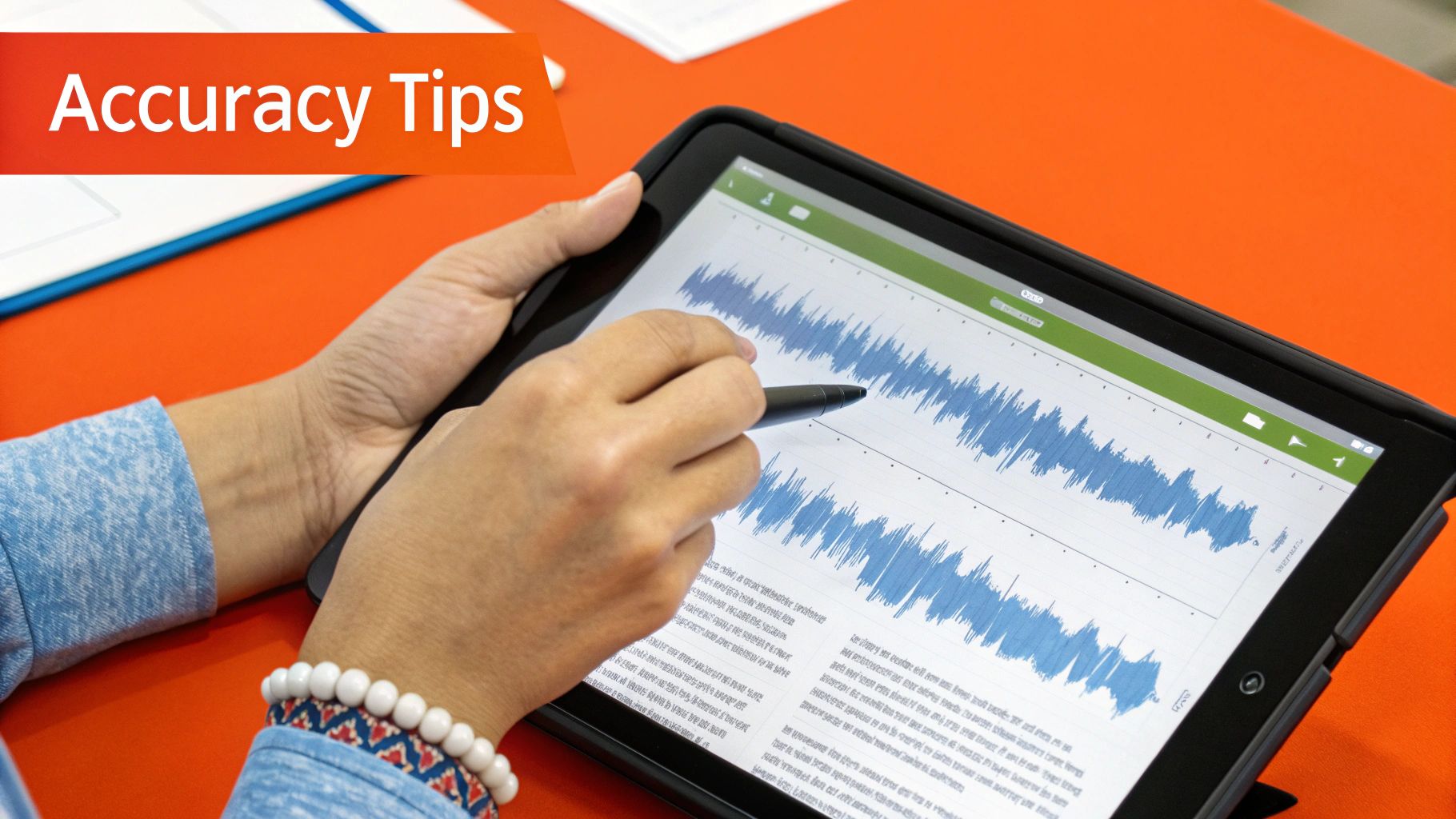
A crucial technique is mastering playback speed control. Counterintuitively, slowing the audio down can improve accuracy, particularly with complex or unclear dialogue. Conversely, a slight speed increase can boost efficiency with clear recordings. Finger positioning is also essential for preventing fatigue during long sessions.
Handling Challenging Audio
Deciphering challenging audio is another vital skill. This includes audio with multiple speakers, accents, or unclear speech. Active listening, focusing intently on the audio and using context to fill gaps, is key. Familiarity with diverse accents and speech patterns also significantly improves comprehension.
Workflow and Formatting
Professional transcription follows a structured workflow, beginning with an initial audio assessment. This helps gauge the audio's complexity and anticipate challenges. Professional standards dictate guidelines for timestamps, speaker identification, and document formatting, ensuring clarity, consistency, and ease of understanding.
Overcoming Common Transcription Obstacles
Obstacles are inevitable, even for experienced transcriptionists. Background noise, technical jargon, and rapid speech can all disrupt the process. Noise reduction software minimizes background distractions, while online dictionaries and glossaries can clarify technical terms. The marketing transcription market is projected to reach USD 5.64 billion by 2035. Learn more at Future Market Insights.
Getting Better Results From Automated Transcription
While Artificial Intelligence (AI) has changed audio transcription, consistently accurate results depend on understanding how these systems operate. Instead of fighting the technology's limitations, work with its strengths.
Understanding Speech Recognition Mechanics
Automated transcription uses speech recognition, which converts spoken language into written text. Complex algorithms analyze audio, identify phonemes (individual sound units), and assemble them into words and sentences. Like human brains, these systems can struggle with unclear speech, background noise, and unfamiliar accents.
Preparing Audio for Optimal Transcription
Preparing your audio before transcribing is crucial for high accuracy. Minimize background noise and maximize speaker clarity. Here are some practical tips:
- Record in a quiet environment: Minimize background noise for clearer recordings
- Use a quality microphone: A good microphone captures clear audio, reducing distortions
- Position the microphone correctly: Position it 6-12 inches from the speaker to enhance voice clarity
- Reduce echo and reverberation: Minimize hard surfaces in the recording area
Training for Industry-Specific Terminology
AI transcription systems can learn industry-specific jargon and speaking patterns. Some AI transcription platforms allow custom vocabularies or dictionaries, letting you add terms or phrases the system might misinterpret.
Mastering Post-Processing Techniques
Even with prepared audio and trained systems, post-processing is often needed. Common errors include:
- Homophones: Words that sound alike but have different meanings
- Misinterpreted numbers or acronyms: AI can sometimes misinterpret these
- Incorrect punctuation: Automated systems may have punctuation errors
An efficient post-processing workflow involves:
- Using a text editor with find/replace: Quickly locate and correct recurring errors
- Listening while reviewing: Ensure accuracy and catch subtle errors
- Proofreading carefully: A final proofread catches remaining errors
Industry-Specific Strategies That Actually Matter
Generic transcription methods often fall short when it comes to meeting the unique demands of specialized industries. Each sector has its own specific terminology, formatting preferences, and compliance regulations.
Healthcare Transcription: Accuracy and HIPAA Compliance
In the healthcare industry, accuracy is paramount. HIPAA regulations mandate strict patient confidentiality, necessitating secure transcription methods. Typical formats include patient history reports, discharge summaries, and operative reports.
Legal Transcription: Precision and Confidentiality
Legal transcription requires precise documentation of legal proceedings, depositions, and client interviews. Attorney-client privilege and other confidentiality regulations require the secure handling of sensitive information. Verbatim transcription is often necessary.
Media Transcription: Timing and Speaker Identification
Media transcription typically involves transcribing audio or video content for subtitles, captions, and transcripts. Timing is crucial to ensure synchronization between the audio and the written text.
Education Transcription: Accessibility and Research
Educational institutions use transcription for lectures, research interviews, and student presentations. Transcription improves accessibility for students with disabilities and enhances learning outcomes.
Business Transcription: Efficiency and Communication
Businesses utilize transcription for meetings, conference calls, and internal communications. Efficient transcription streamlines communication, improves record-keeping, and facilitates knowledge sharing.
| Industry | Accuracy Required | Key Challenges | Compliance Notes | Typical Formats |
|---|---|---|---|---|
| Healthcare | Very High | Medical terminology, HIPAA | HIPAA | Patient records, summaries |
| Legal | Extremely High | Legal jargon, confidentiality | Attorney-client privilege | Depositions, transcripts |
| Media | High | Timing, speaker identification | Copyright | Subtitles, captions |
| Education | High | Accessibility, research data | FERPA | Lecture transcripts |
| Business | Moderate to High | Efficiency, clear communication | Data privacy | Meeting minutes |
Key Takeaways For Transcription Success
Successfully transcribing audio to text involves more than just hitting the play button and typing. It requires a strategic approach, understanding the available methods, and a keen focus on quality control.
Choosing the Right Transcription Method
- Accuracy Requirements: For legal, medical, or academic work, manual transcription might be necessary. For less critical tasks, automated transcription may suffice.
- Budget: Manual transcription is typically more expensive than automated or hybrid methods.
- Turnaround Time: Automated transcription delivers the fastest results, while manual transcription takes the longest.
- Audio Quality: Clear audio lends itself well to automated transcription. Noisy or complex audio often benefits from human intervention.
Quality Control: Catching Errors Before They Become Problems
Implementing a quality control process ensures accurate and reliable transcripts:
- Reviewing and Editing: Carefully review the transcript for errors
- Consistency Checks: Ensure consistent formatting, speaker identification, and timestamps
- Proofreading: A final proofread is essential to catch any remaining mistakes
Audio Preparation: The Foundation of Good Transcription
- Reduce Background Noise: Record in a quiet environment or use noise reduction software like Audacity
- Use a Quality Microphone: Invest in a good microphone for clear audio capture
- Optimize Recording Settings: Ensure proper microphone placement and recording levels
The Final Review: Polishing Your Work
Before finalizing your transcript, review it one last time:
- Formatting Check: Confirm adherence to specified formatting guidelines
- Content Review: Verify the accuracy of names, dates, and other key details
- Readability Check: Ensure the transcript reads smoothly and naturally
Whether you're transcribing audio for personal use, business, or academic purposes, these key takeaways will help you achieve consistent, high-quality results.
Heynds
Mais recursos
7 min
Speech-to-text software for Mac: 5 tools for different workflows in 2026
Compare speech-to-text software for Mac by workflow, privacy, formatting, app support, and price. Find the right fit for live dictation or files.
speech-to-textdictation
7 min
Mac Dictation for Accessibility: Dictation or Voice Control?
Choose between Mac Dictation, Voice Control, and Heynds for voice-first writing. Use a practical test for text entry, navigation, editing, and privacy.
dictationaccessibility
6 min
Multilingual Dictation on Mac: Switch Languages and Write Clearly
Set up multilingual dictation on Mac, avoid keyboard-layout traps, and choose between transcription, translation, and rewriting.
dictationvoice-to-text