Unlocking Efficiency: Your Guide to the Best Dictation Software for Windows
Tired of typing? This guide reveals the top 8 dictation software options for Windows in 2025. Whether you're a busy entrepreneur, a content creator, or a student, find the perfect tool to transform your spoken words into text. We cover a range of solutions, from free built-in options like Windows Speech Recognition to premium software like Dragon NaturallySpeaking and innovative platforms like Otter.ai, Speechmatics, Heynds, Speechnotes, Braina Pro and Voice Finger, ensuring there's a dictation software for Windows to fit every need and budget.
1. Heynds
Heynds stands out as a premier dictation software for Windows, offering far more than simple voice-to-text functionality. It's a comprehensive AI-powered writing assistant designed to streamline content creation across multiple platforms, including Windows, macOS, and (soon) Linux. This robust tool empowers users to transform spoken words into polished, professional text, effectively bridging the gap between thought and expression. Whether you're crafting emails, reports, blog posts, social media updates, or even technical documentation, Heynds accelerates your workflow, helping you overcome writer's block, eliminate typos, and produce high-quality content with remarkable efficiency.
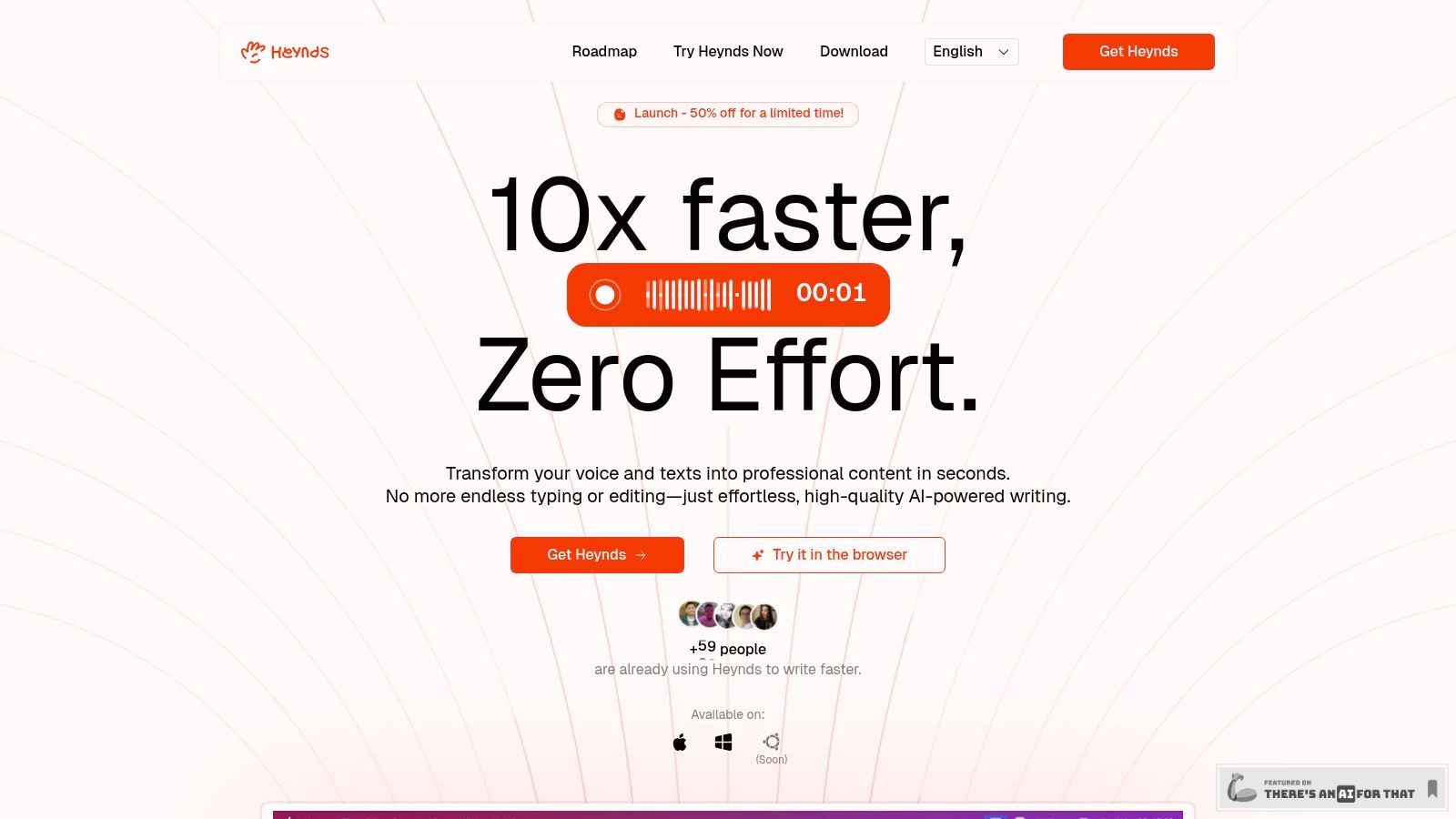
One of Heynds' key strengths lies in its sophisticated AI writing assistance. Beyond basic transcription, it offers a suite of tools to reformat, edit, translate, and polish your text instantly. This comprehensive approach makes Heynds an invaluable tool for content creators, marketers, and business professionals seeking to maximize their productivity.
Heynds' cross-platform compatibility is a significant advantage, allowing seamless transitions between Windows, macOS, and (soon) Linux devices. Its lightweight and shortcut-driven interface ensures instant access to AI assistance within any application, minimizing disruptions and maximizing efficiency.
For users seeking dictation software for Windows, Heynds distinguishes itself through its advanced AI capabilities and focus on privacy. Your data remains securely on your device unless you explicitly choose otherwise, addressing growing concerns about data security and confidentiality.
Learn more about Heynds and try it in your browser to get a feel for its capabilities. The flexible pricing options include a free browser trial, a low-cost monthly Explorer plan at $4.99/month, and a lifetime Eternal license at $79 with optional annual updates for continued access to new features.
Pros:
- Real-time, highly accurate voice-to-text transcription supporting over 100 languages
- Powerful and customizable AI writing assistant that reformats, edits, translates, and polishes text instantly
- Cross-platform compatibility with macOS, Windows, and upcoming Linux support
- Lightweight, shortcut-driven UI for fast access within any application
- Flexible pricing with free trial, affordable monthly subscription, and a lifetime license option
- Strong focus on privacy with data stored locally
Cons:
- Linux support is currently under development
- Accessing new features after the first year with the Eternal license requires an optional annual fee
2. Dragon NaturallySpeaking (Dragon Professional)
Dragon NaturallySpeaking (now owned by Nuance Communications, a Microsoft subsidiary) holds a longstanding reputation as a leading dictation software solution, particularly within professional settings. It offers highly accurate speech-to-text conversion powered by deep learning algorithms, making it a powerful tool for boosting productivity and accessibility.
Its robust feature set boasts up to 99% speech recognition accuracy with consistent voice training. The ability to create custom voice commands and macros for frequently used tasks further enhances productivity. Dragon NaturallySpeaking seamlessly integrates with popular applications like Microsoft Office Suite, allowing voice control within these programs. For professionals in specialized fields, Dragon NaturallySpeaking offers specific vocabulary add-ons for medical and legal terminology.
While Dragon NaturallySpeaking offers powerful capabilities, it comes with a premium price tag ($500+ for the professional version), a steep learning curve, and is resource-intensive. Lastly, its cloud-based functionalities are less developed compared to some newer competitors.
For more information, visit: https://www.nuance.com/dragon.html
3. Windows Speech Recognition
Windows Speech Recognition is a valuable tool for anyone seeking a free and readily available dictation software solution integrated directly into their Windows operating system. This built-in feature eliminates the need for third-party software downloads and installations, making it a convenient option for basic dictation and system control using voice commands.
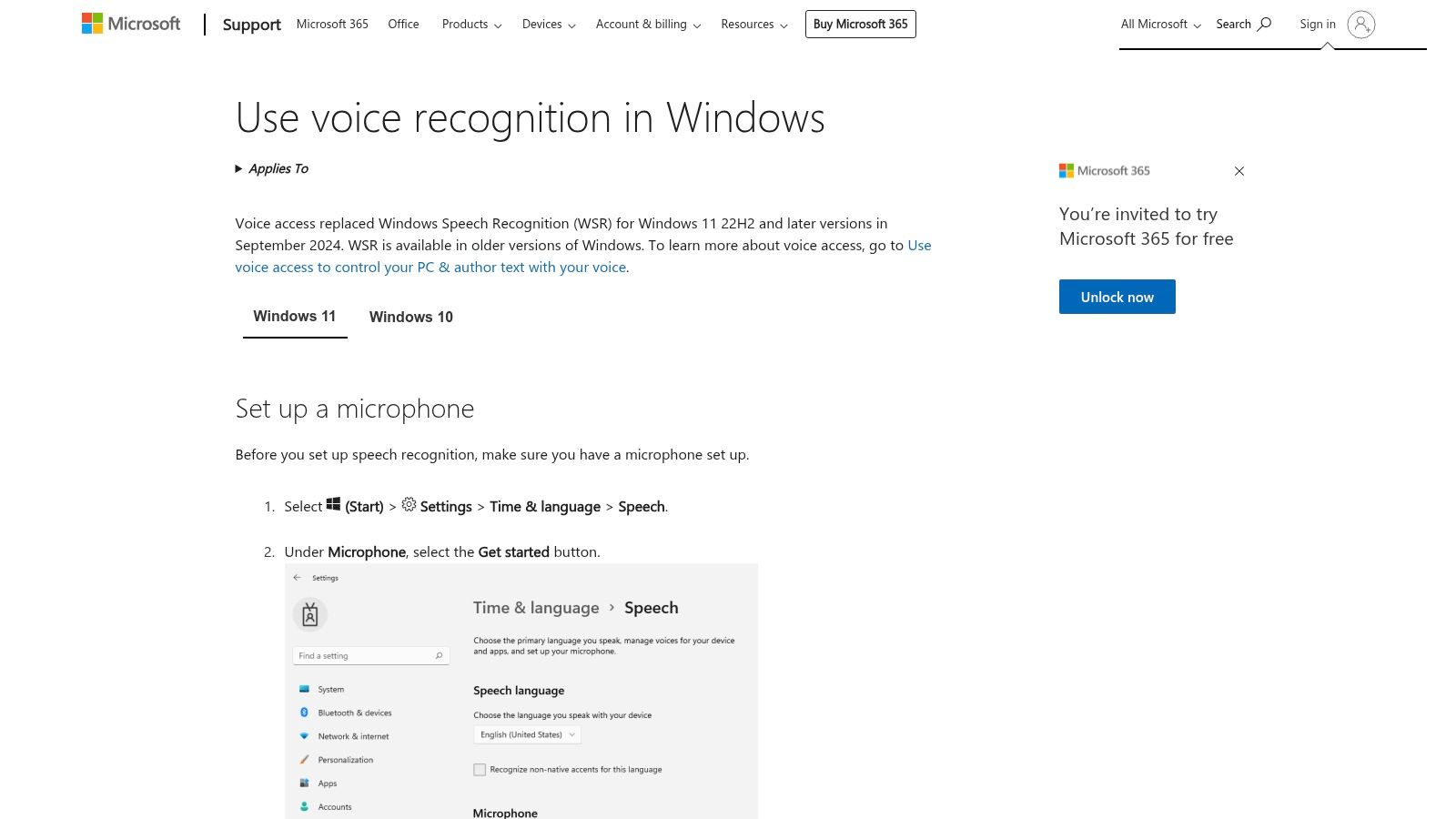
This dictation software offers a range of functionalities beyond simple text dictation. You can use voice commands to control various aspects of your Windows environment, including opening and closing applications, navigating menus, and executing system functions. Setting up Windows Speech Recognition is straightforward — search for "Speech Recognition" in the Windows search bar to get started.
Pros:
- Completely free and included with Windows
- No additional software installation required
- Basic functionality works well for simple dictation
- Integrates seamlessly with Windows ecosystem
Cons:
- Lower accuracy compared to premium solutions
- Limited customization and advanced features
- Requires significant voice training for optimal performance
- Basic interface with minimal professional features
Website: https://support.microsoft.com/windows/use-voice-recognition-in-windows
4. Otter.ai
Otter.ai stands out as a powerful cloud-based dictation software option for Windows users, particularly those heavily reliant on meeting transcription and collaborative workflows. Its AI-powered transcription capabilities make it an invaluable tool for a range of professionals.
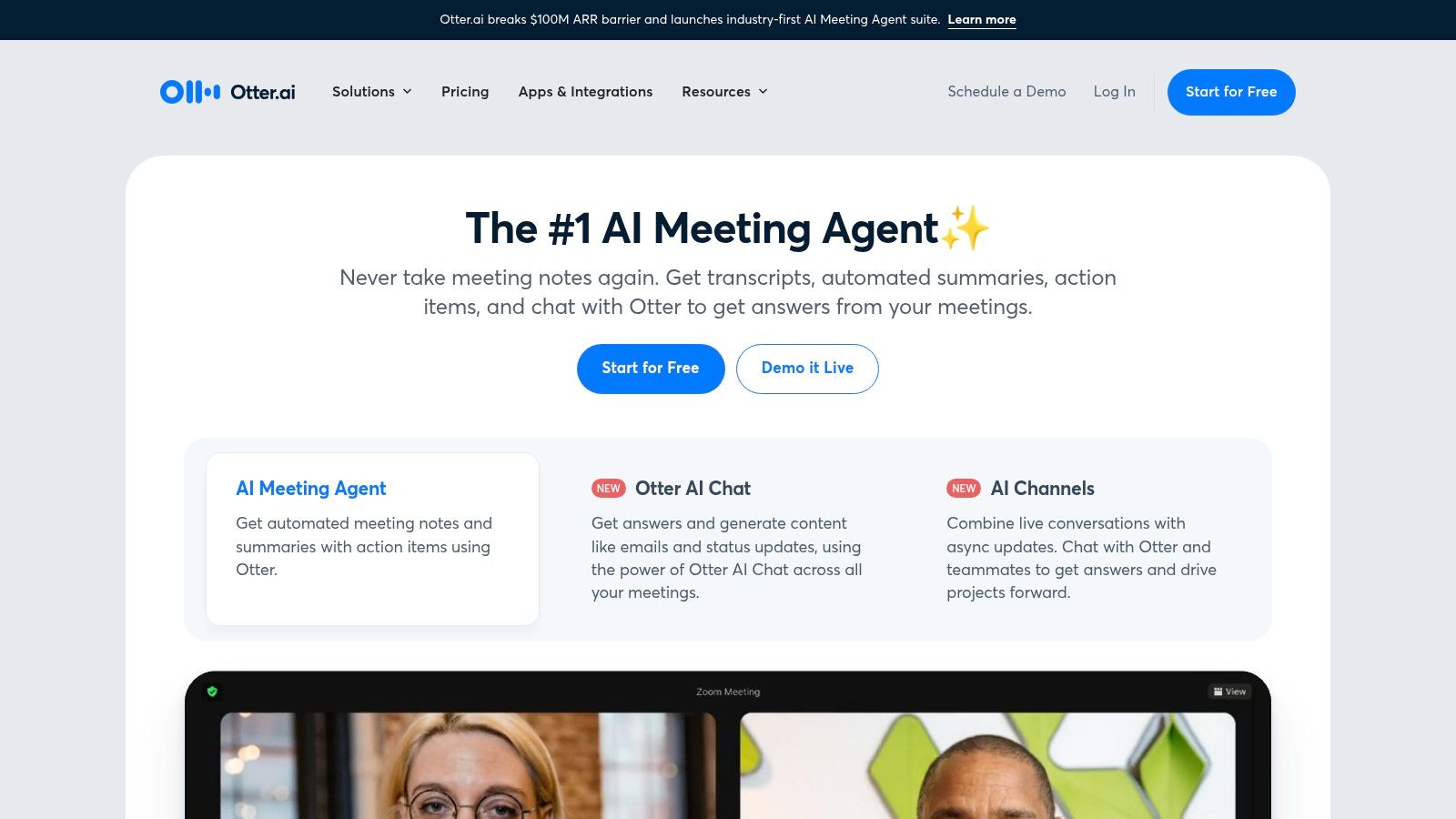
Otter.ai's focus on meeting productivity shines through its feature set. Real-time transcription with speaker identification ensures accurate record-keeping and easy follow-up. Live collaboration and note-sharing during meetings foster dynamic engagement. Its seamless integrations with popular video conferencing platforms like Zoom, Microsoft Teams, and Google Meet make it a natural extension of existing workflows. The automatic generation of meeting summaries and action items further streamlines workflows.
Beyond its robust meeting-focused features, Otter.ai offers cross-platform accessibility through its mobile and web-based applications. The availability of a free tier with generous usage limits makes it accessible for individuals and small teams.
However, Otter.ai is not ideal for general dictation tasks like writing long-form documents or emails. Its cloud-based nature necessitates a stable internet connection, and advanced features require a monthly subscription.
5. Speechmatics
Speechmatics stands out as a powerful contender in the realm of dictation software with a distinct focus on enterprise-grade solutions and API-driven implementation. Its robust features and exceptional accuracy across a vast range of languages make it a compelling option for businesses and developers needing scalable and highly accurate speech-to-text capabilities.
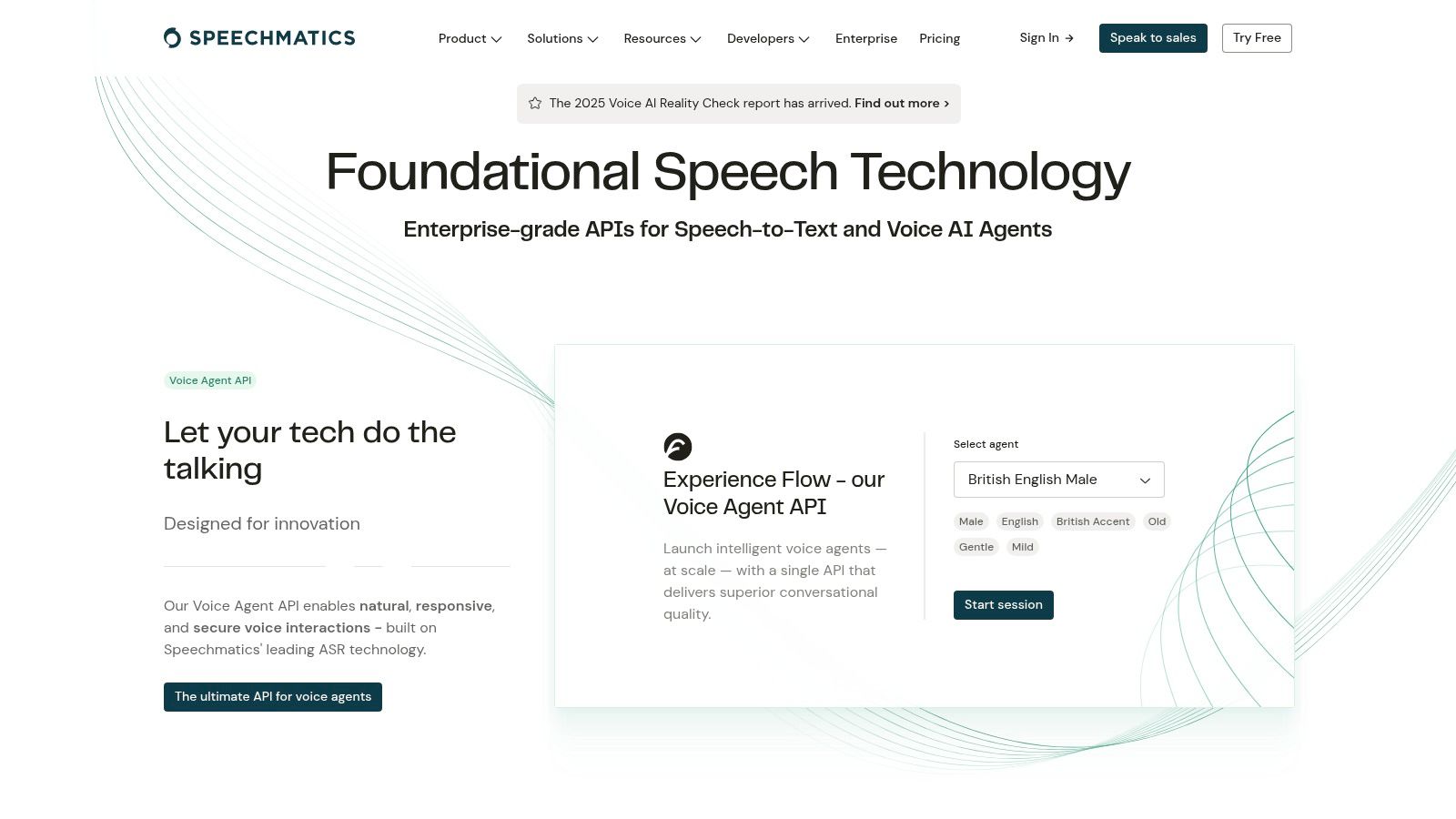
Speechmatics offers the flexibility of both cloud-based and on-premise deployment. Developers can leverage the comprehensive RESTful API to integrate Speechmatics' powerful engine into custom Windows applications or existing workflows. The support for over 50 languages and dialects makes it especially useful for global teams. Its batch transcription capabilities allow processing multiple languages simultaneously.
While Speechmatics boasts an impressive array of features, its API-centric nature demands technical expertise. The platform's pricing structure typically caters to enterprise-level users. Speechmatics doesn't offer a free tier or trial, and pricing is available upon request. Explore their offerings: https://www.speechmatics.com
6. Speechnotes
Speechnotes is a compelling choice for anyone seeking a simple, effective, and readily accessible dictation software for Windows. Unlike traditional desktop applications, Speechnotes is a web-based tool that operates directly within your browser without requiring downloads or installations.
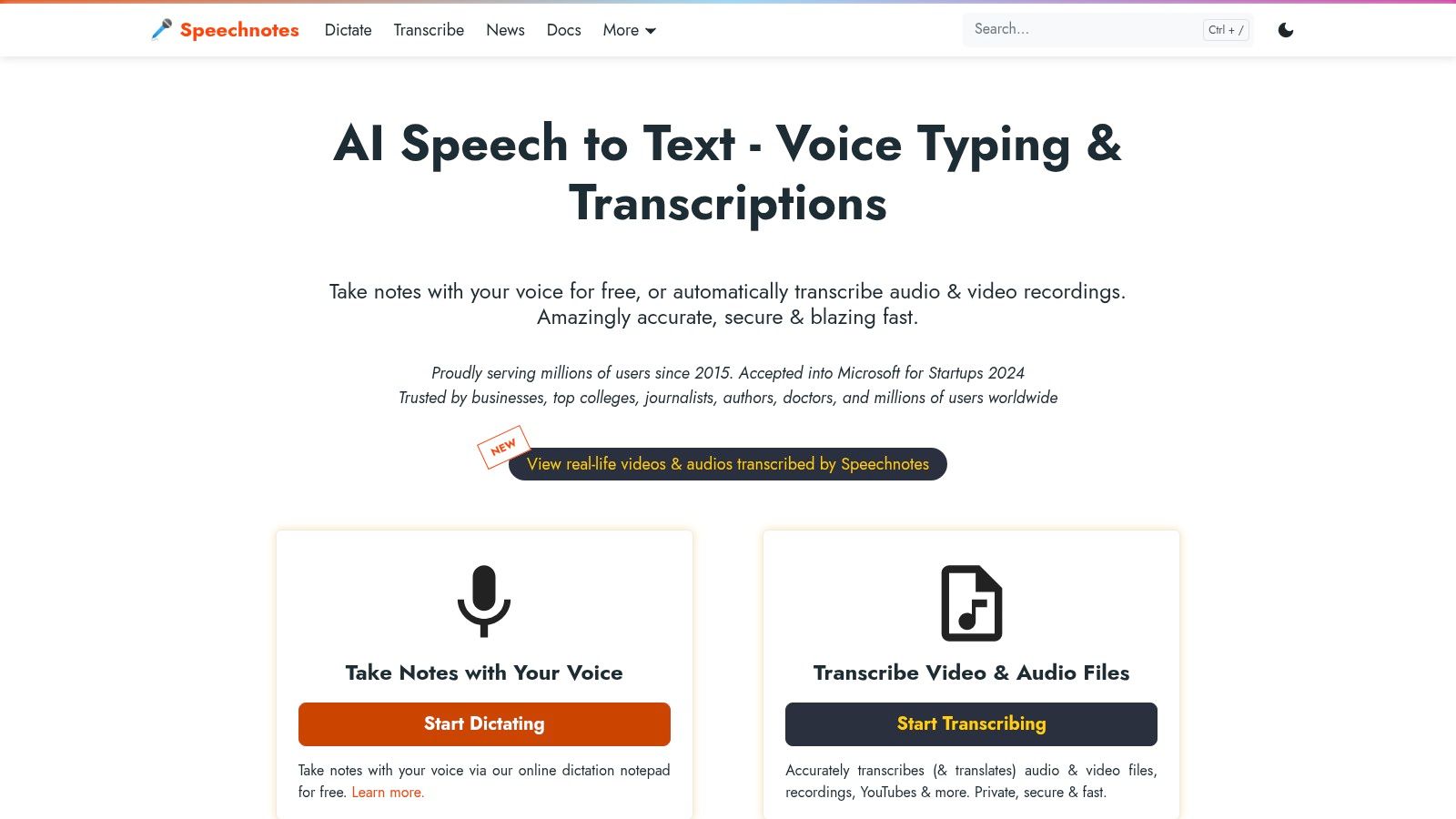
One of Speechnotes' key strengths lies in its minimalist interface. The clean design promotes a distraction-free writing experience. Speechnotes provides essential dictation features including automatic punctuation and capitalization, custom voice commands for punctuation, and auto-save functionality utilizing local storage. Users can easily download their dictated text in various formats.
Speechnotes is free to use, which is a significant advantage. Despite its strengths, Speechnotes has limitations. Users looking for advanced functionalities or deep integration with professional applications might find Speechnotes lacking. A stable internet connection is required for the core dictation features to operate.
Simply navigate to the Speechnotes website (https://speechnotes.co) in your preferred web browser, grant microphone access, and begin dictating.
7. Braina Pro
Braina Pro stands out in the crowded field of dictation software for Windows, not just for its accurate voice-to-text capabilities, but also for its comprehensive suite of AI-powered features. It goes beyond simple dictation, acting as a virtual assistant capable of understanding and executing complex commands.
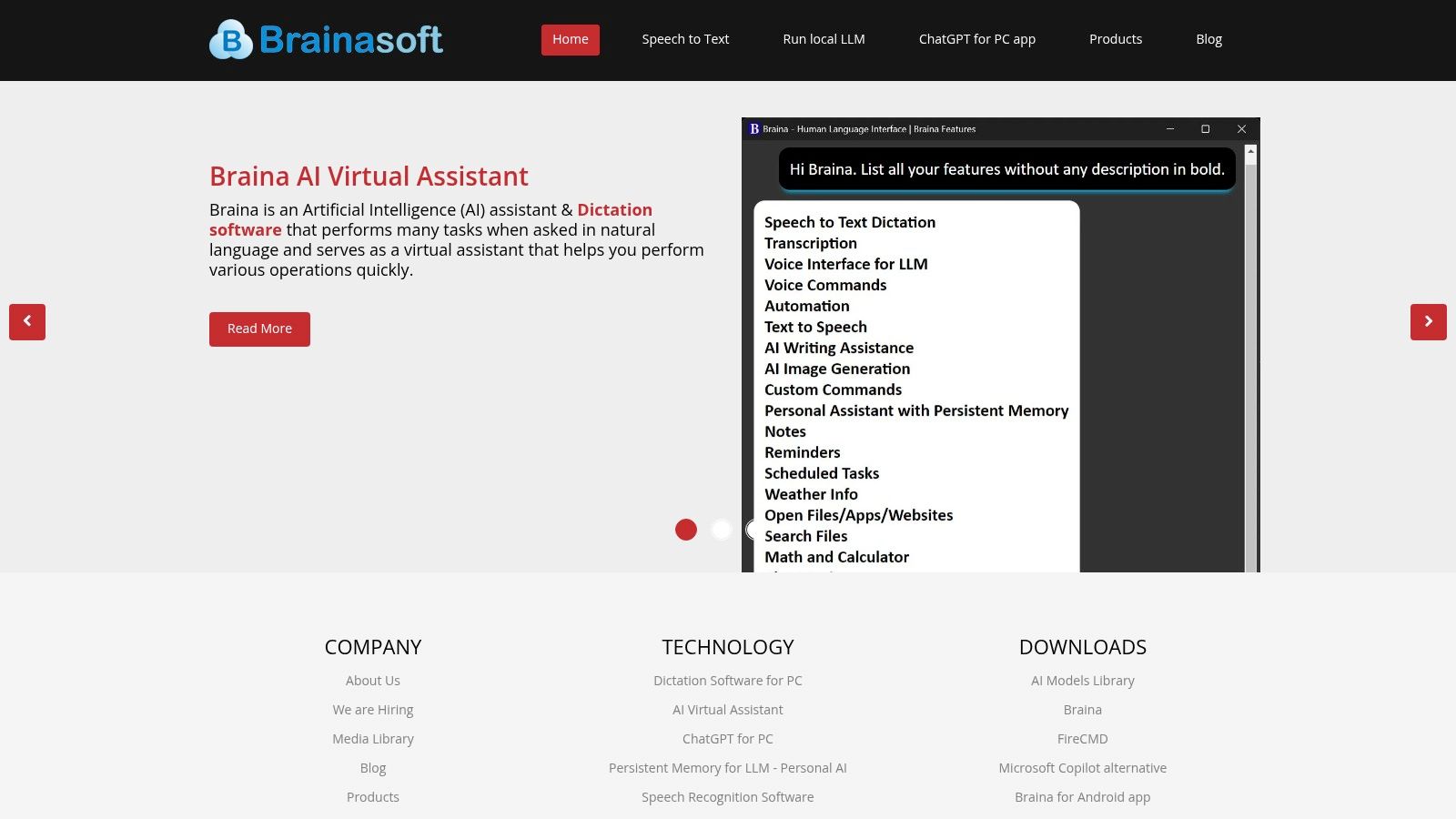
One of Braina Pro's key strengths is its multilingual support. With the ability to recognize and transcribe speech in over 90 languages, it caters to a global audience. Beyond basic dictation, Braina Pro shines as a powerful personal assistant. Its natural language processing capabilities allow it to understand complex voice commands, enabling users to control their computer, search the web, play music, set reminders, and even perform calculations — all hands-free.
Braina Pro also offers offline speech recognition after the initial setup, a feature that distinguishes it from many cloud-based dictation tools.
While Braina Pro boasts an impressive array of features, it does have a learning curve. The sheer number of features and options can initially be daunting, and accuracy can vary depending on the specific language and accent.
For more specific details on pricing and licensing, refer to their official website: https://www.brainasoft.com
8. Voice Finger
Voice Finger stands out as a specialized dictation software for Windows, catering specifically to hands-free computer control and dictation. Unlike broader dictation software focusing primarily on text transcription, Voice Finger emphasizes accessibility and efficient voice-controlled computing.
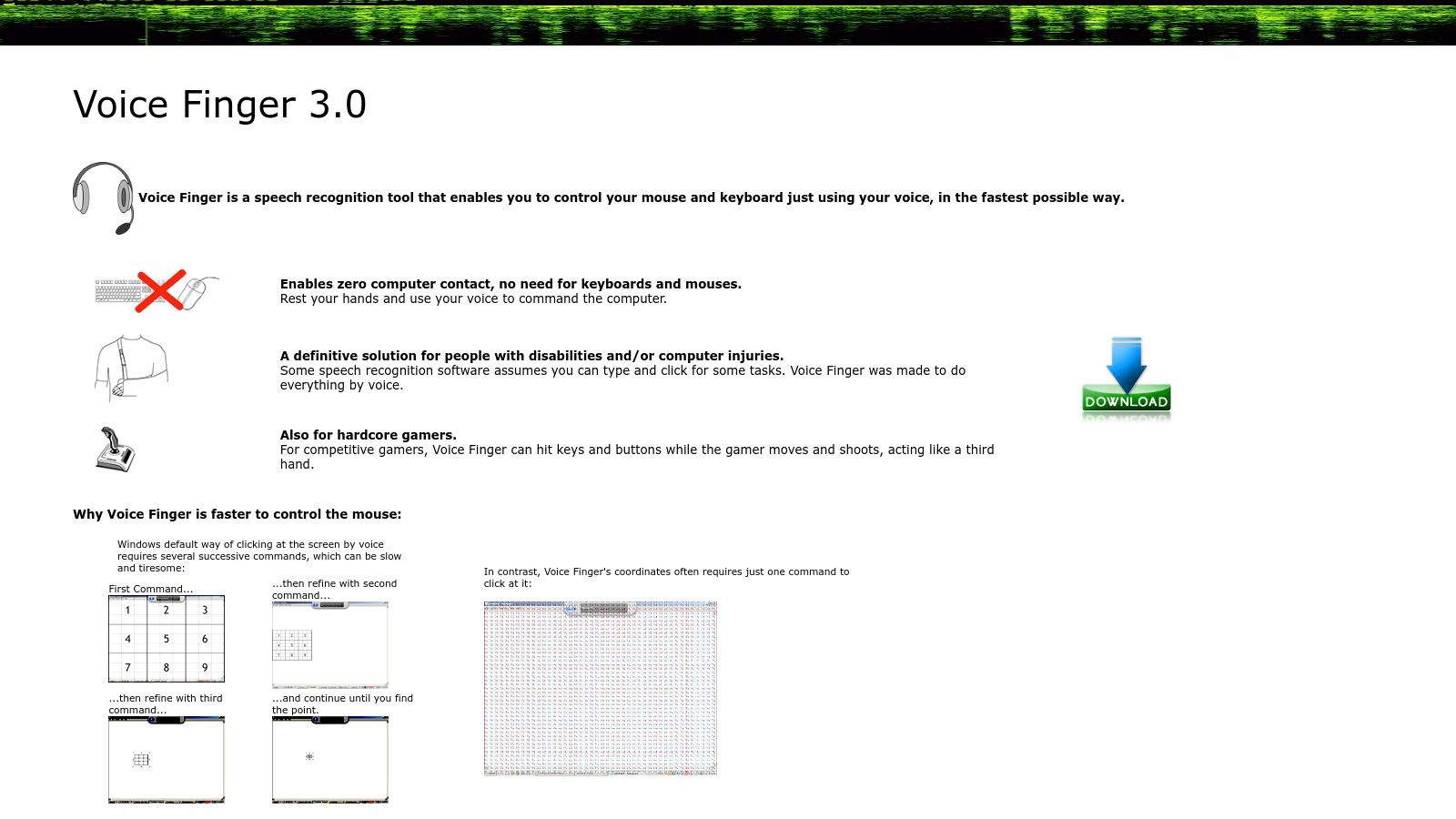
Voice Finger's core strength lies in its dedicated features for hands-free mouse control and keyboard input. The grid-based mouse navigation system allows for precise cursor movement using voice directions. Customizable voice commands and shortcuts empower users to define specific actions for frequently used tasks.
While Voice Finger shines in hands-free control, it's crucial to acknowledge its limitations regarding dictation accuracy. Compared to premium solutions like Dragon NaturallySpeaking, Voice Finger's accuracy might fall short for complex vocabulary or accents.
Voice Finger is available for a one-time purchase price, making it a considerably more affordable option compared to subscription-based software. Information regarding specific pricing can be found on their website: https://voicefinger.cozendey.com
Top 8 Windows Dictation Software Comparison
| Product | Core Features | User Experience | Value | Target Audience | Unique Selling Points | | --- | --- | --- | --- | --- | --- | | Heynds | Real-time voice-to-text in 100+ languages, customizable AI | Lightweight UI, fast access | Free trial, $4.99/mo, $79 lifetime | Entrepreneurs, students, professionals | Cross-platform, offline privacy, infinite customization | | Dragon NaturallySpeaking | 99% accuracy, voice commands, industry-specific vocabularies | Highly accurate & adaptive | High cost ($500+), professional grade | Legal, medical, business professionals | Deep learning, MS Office integration | | Windows Speech Recognition | Built-in Windows integration, voice commands | Basic, needs training | Free with Windows | Casual users, Windows users | No installation, system-wide voice control | | Otter.ai | Real-time transcription, speaker ID, meeting collaboration | Cloud-based, accessible | Free tier + subscription options | Business meetings, teams | Meeting summaries, Zoom/Teams integration | | Speechmatics | 50+ languages, API-driven, on-premise option | Enterprise-level accuracy | Higher cost, API based | Developers, enterprises | Scalable API, on-premise security | | Speechnotes | Simple web-based dictation, auto-punctuation | Fast and clean | Free + premium upgrades | Writers, students, professionals | Minimalist UI, browser-based | | Braina Pro | AI assistant + dictation, 90+ languages, offline mode | Mixed accuracy, AI features | Reasonable pricing | Tech-savvy users, multitaskers | AI assistant, offline recognition | | Voice Finger | Voice mouse/keyboard control, lightweight | Accessibility focused | One-time affordable purchase | Users with mobility issues | Voice-driven mouse control, minimal resources |
Choosing the Right Dictation Software for Your Windows Workflow
Finding the perfect dictation software for your Windows workflow can feel overwhelming with so many options available. Key takeaways include the importance of prioritizing accuracy and language support, especially for specialized vocabulary. Customization options, integration with other applications in your workflow, and budget considerations are also crucial factors.
By leveraging the right dictation software, you can transform how you interact with your Windows devices. From boosting productivity and accessibility to fostering creativity and streamlining communication, the right tool can unlock new possibilities.
Ready to experience seamless dictation and elevate your workflow? Discover Heynds, a powerful AI-powered dictation software designed to enhance productivity and streamline content creation on your Windows machine. Explore the possibilities and transform your workflow with Heynds today!